
Your Net Promoter Score (NPS) is a simple way to track how your customers feel about you over time. The more enthusiastic they are, the less likely they are to leave, and the more likely they are to recommend you to friends and colleagues.
Hundreds of products offer NPS surveys. They all ask the same core question, so what actually sets them apart, and why pay more for one than another?
The short answer: NPS tools differ in where they ask the question (website, app, email or SMS), when they ask it, how they follow up, and what they do with the results. If you want occasional NPS feedback from people already on your website or web app, a simple feedback widget is enough. If you need surveys across email, apps and SMS with dashboards and AI analysis, look at a survey tool or a CX platform.
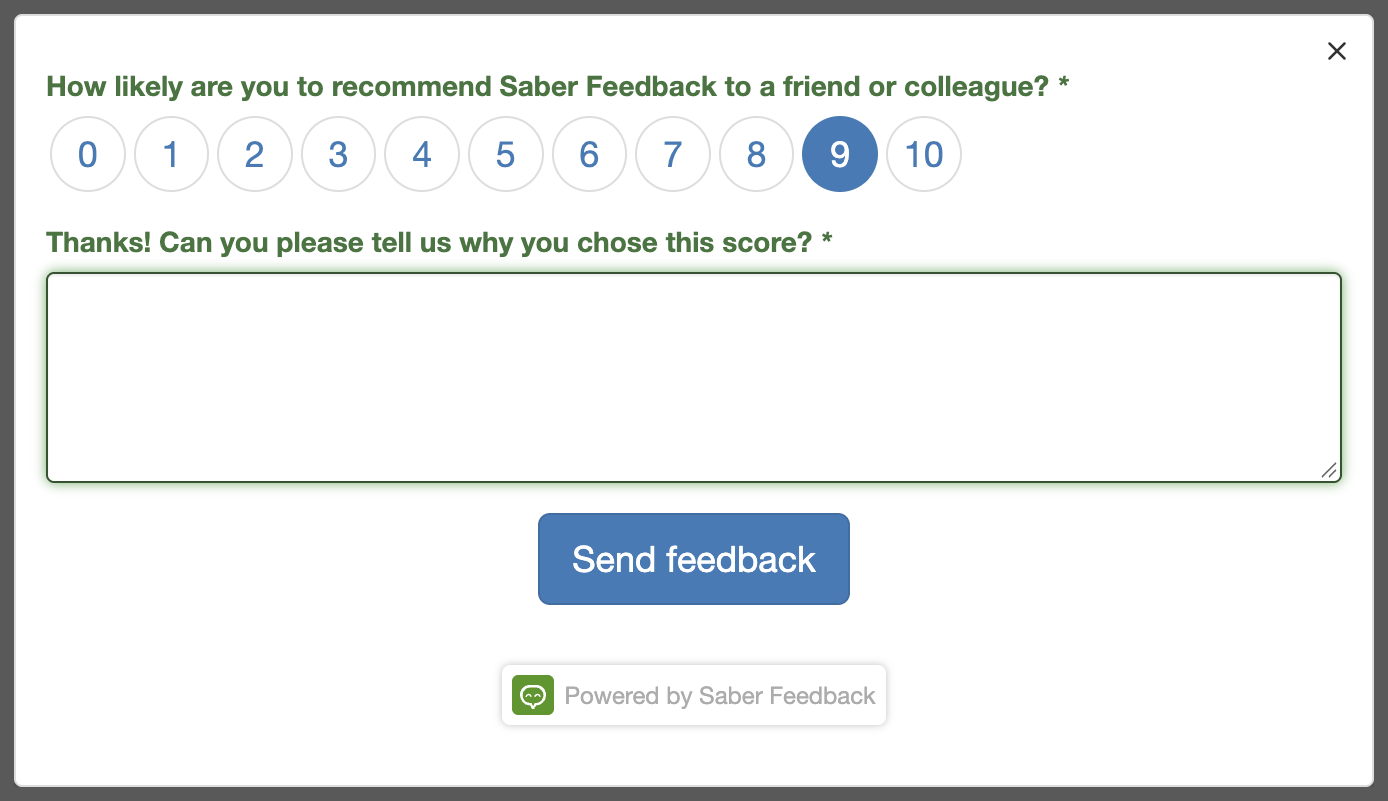
A quick reminder: how NPS works
An NPS survey asks one question, usually some version of:
How likely are you to recommend our product to a friend or colleague?
People answer on a scale from 0 to 10. Those who answer 9 or 10 are promoters, 7 or 8 are passives, and 0 to 6 are detractors. Your score is the percentage of promoters minus the percentage of detractors, so it runs from -100 to +100.
The score on its own tells you little. The value comes from the follow-up question, “What’s the main reason for your score?”, and from tracking how the score moves over time.
The five kinds of NPS tool
These kinds of product all offer NPS surveys:
| Kind of tool | Examples | Best for |
|---|---|---|
| Survey tools | SurveyMonkey, Survicate | NPS alongside other surveys, sent by email, link, website or app |
| Customer experience (CX) platforms | Qualtrics | Large companies running NPS across many channels and teams |
| Analytics tools | Contentsquare | Linking NPS answers to heatmaps and session recordings |
| Feedback widgets | Saber Feedback | Asking for NPS on your website or web app, alongside bug reports and other feedback |
| Dedicated NPS tools | Thermostat | Teams that only want NPS and nothing else |
What sets NPS tools apart
Because the question is standard, NPS tools compete on everything around it. These are the five things worth comparing.
1. Where the survey appears
Some tools only work on a website. Others can also send NPS surveys by email or SMS, or show them inside a mobile app. Before you choose, decide where your customers are when you want to ask them:
- On your website or in your web app?
- In your mobile app?
- In their inbox, after a purchase or a support ticket?
- On a text message, after a delivery or appointment?
If the answer is only the first, you don’t need a multichannel platform.
2. When the survey is shown
NPS surveys can be shown in two ways:
- User-led: the customer clicks a feedback button when they have something to say. This is unobtrusive, but you hear mostly from people with strong opinions.
- Triggered: the survey pops up or is sent based on rules, such as 30 days after signup, after a set number of visits, or every quarter. This gives you a more representative sample, but too many prompts annoy people.
Most survey tools and CX platforms support triggered surveys with targeting rules. Simpler tools may only support a button, or let you open the form with your own code.
3. How the survey looks
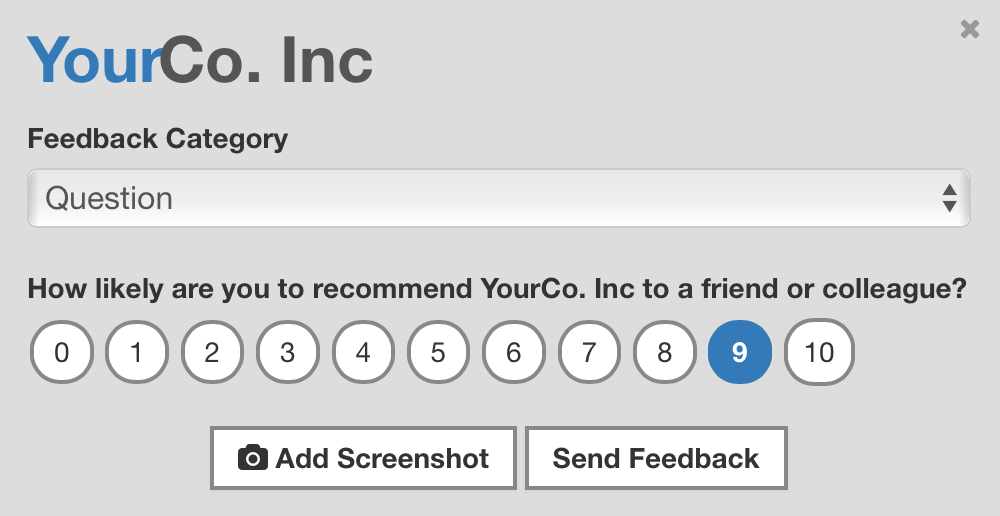
The question itself won’t change much, but the form should look like it belongs on your site. Check whether you can add your own branding and colours, remove the vendor’s logo, and translate the survey for customers in other countries. Some tools charge extra for white labelling.
This example shows a white-labelled Saber Feedback form:
4. How you follow up
A score without a reason is hard to act on. Look for:
- Conditional logic, so a detractor is asked what went wrong and a promoter is asked what they like most
- Permission to follow up, such as an optional email field or a checkbox to agree to a call
- Closing the loop, meaning a way to get low scores to someone who can reply quickly, for example by sending them to your help desk
Replying to detractors within a day or two is one of the most effective things you can do with NPS. Our guide to responding to customer feedback covers how.
5. What happens to the results
Finally, think about where the answers should end up:
- A separate dashboard with NPS trends over time?
- Your existing tools, such as Slack, your help desk or your CRM?
- Analysis of the written comments?
Many survey tools and CX platforms now use AI to group written answers by theme and sentiment, which saves time once you get hundreds of responses a month. If you get a few dozen, reading them yourself is quicker and tells you more.
How to choose an NPS tool
- You want NPS from people already on your website or web app: a feedback widget is the simplest option, and it can collect bug reports and other feedback from the same button.
- You want NPS by email and in a mobile app as well: choose a survey tool such as Survicate or SurveyMonkey.
- You run a large customer experience programme across many teams: a CX platform such as Qualtrics.
- You want to see what detractors did before they answered: an analytics tool with surveys, such as Contentsquare.
- You only want NPS, with nothing else to learn: a dedicated NPS tool.
Whichever you choose, start small. Ask the question, read every answer, reply to your detractors, and only add more channels and rules once you’re acting on what you hear.
Keep your NPS tool simple?
NPS is a simple idea, so a simple tool is often all you need. There’s little point paying for a platform full of features you won’t use.
Saber Feedback is a feedback button for websites and web apps that includes NPS. It gives you:
- A ready-made NPS field that you can add to any form, with your own branding on the Corporate plan
- Conditional logic, so you can ask a different follow-up question depending on the score
- 15 languages, so you can survey customers who don’t speak English
- Results in your dashboard, by email, or sent into tools such as Slack, Zendesk, Jira and Trello
- A feedback button as the trigger, or your own button or code using the JavaScript API
Saber Feedback doesn’t send NPS surveys by email or SMS, doesn’t work inside native mobile apps, and doesn’t chart NPS trends for you. If you need those, a survey tool is a better fit.
Try Saber Feedback free
Saber Feedback is quick to install and customise, and it connects to the tools your team already uses. Every plan has unlimited page views and unlimited feedback.
The 30-day free trial includes every feature and needs no credit card. Start your free trial or see pricing.